
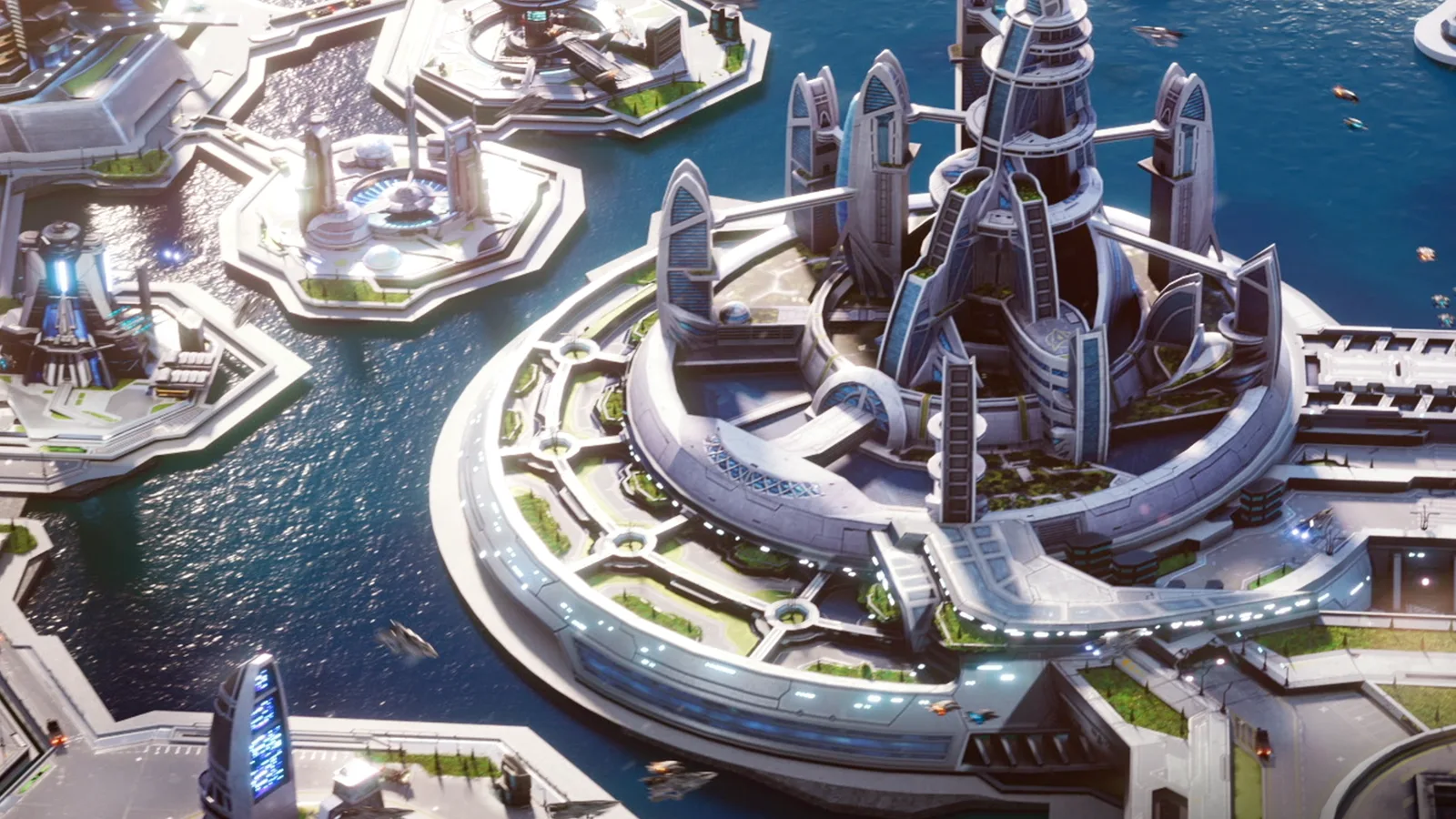
Star Trek Fleet Command is a free-to-play 4X strategy MMO published by Scopely under licence from CBS Studios. It launched on iOS and Android in November 2018 and on Windows and macOS in September 2021, through a launcher on the official site. Scopely's help centre confirms that one Scopely Account carries the same progress between mobile and PC.
The official help centre sums up the game in one list: build and upgrade your station, construct ships, recruit and promote officers, take part in events and daily goals, play alongside an alliance, and earn the trust of a faction. Everything below is one of those six things. Most of this guide comes straight from that help centre, which is the most current source we found.
Your station and Operations
Your station is the base everything else depends on. The official Station Guide splits it into interior and exterior buildings.
- Operations is the command center. Upgrading it raises your player level and unlocks new buildings. When people say "Ops 15", this is the number they mean.
- Academy houses your officers. Upgrading it lets you recruit more of them and improves their stats.
- R&D Department gives access to research. Many ships and buildings need a specific research node first.
- Generators produce resources over time, and Warehouses cap how much you can hold. Once a warehouse is full you cannot collect from its generator.
- Vaults protect part of your resources from being stolen in an attack.
- Defense Platforms and Drydocks are outside. Platforms defend the station. Each drydock holds one ship, so more drydocks means more ships in play.
Scopely's own advice for anyone unsure where to start is to focus on Missions. Main Missions are the ones with a golden border, and the help centre calls progressing through that chain "essential" because it unlocks new paths. Daily Goals open at level 3 and reset every 24 hours. Keep the mission list tidy: it holds up to 54 active missions, and a full list can stop you receiving new ones.
Resources and mining
Three resources pay for almost everything. The official guide says Parsteel, Tritanium and Dilithium are all "used to upgrade buildings, start research, and construct ships", and all three can be mined in space. On top of those:
- Latinum is described as the rarest item in the game. It buys other resources and speeds up timers.
- Raw crystal, raw gas and raw ore are mined, then turned into their refined versions in the Refinery building. The refined materials upgrade ships and buildings and pay for research.
Mining is simple and risky. You send a ship to a mining node and it fills its cargo hold over time. The official Mining Guide adds the catches. A full ship just sits on the node, so recall it. Mined resources are not usable until the ship is back at your station. And a ship is vulnerable to other players while it is docked on a mine: if it loses the fight, it is knocked off the node and anything above its Protected Cargo is lost.
Survey ships exist for this job. The Ships Guide says they give a mining boost and are not good in combat.
Ships and the combat triangle
There are three combat ship types: Interceptors, Explorers and Battleships. The official Ships Guide says you gain an advantage by picking the right type and tells players to "remember the combat triangle always". Pocket Gamer's beginner guide spells the triangle out:
| Ship type | Strong against | Weak against |
|---|---|---|
| Interceptor | Battleship | Explorer |
| Battleship | Explorer | Interceptor |
| Explorer | Interceptor | Battleship |
How ships work, per the official guide:
- Blueprints come first. You can only build a ship once you have enough blueprints for it, and some ships also need research or a higher Shipyard level.
- A ship needs a drydock and a captain. It cannot leave the station without an officer in the captain's seat.
- Upgrades go in two steps. You spend Ship XP to level a ship and upgrade its individual components. Once every component is upgraded you can tier up, which takes time and keeps the ship in dock until it finishes.
- Warp is safe. A ship in warp between systems cannot be attacked.
- The Scrapyard opens at Operations level 20, to free hangar space.
Officers and crews
Ships require at least one officer, and officers are obtained with recruit tokens. The official Officers Guide describes three kinds of ability, and which one you get depends on where the officer sits:
- Captain's Maneuver activates only when the officer is in the captain's seat.
- Officer Ability activates when the officer is on the bridge.
- Below Deck Ability applies only in a below-deck slot. These are passive effects on things like warp range, cargo capacity or survivability.
The detail the guide itself calls "often overlooked": a Captain's Maneuver is strengthened by synergy with the other bridge officers, not by the captain's level or tier. Officers from the same synergy group are marked with a yellow lightning bolt. That is why crews are built as sets rather than by picking your three highest-level officers.
Officers level up with Officer XP and are promoted with shards of that officer plus resources. For officers released after Update 90 in April 2026, the help centre says promotion uses a universal currency called Officer Laurels.
Officers who are not on a ship can be sent on Away Teams assignments for extra rewards once you have built the Shuttle Bay.
When other players can attack you
This is the timeline that decides how the game feels, and the help centre states it exactly.
- Below Operations level 10 you are protected. You cannot attack other players' ships and they cannot attack yours.
- From level 10 your ships are vulnerable whenever they are out in a system. You can only attack players whose Operations level is close to yours.
- From level 15, Station Combat unlocks. Other players can attack your station and loot part of your resources. Your Vault keeps a share safe.
Your protection is the Peace Shield. After the first attack on your station, a free 10-minute shield switches on automatically, at most once every two hours. It is there to give you time to apply a longer one from your inventory. Two rules matter: shields do not stack, and attacking another player's ship or station cancels your own shield immediately.
One decision has a deadline. If you want to play with friends, be on the same server before you pass level 12. Server Transfer is only available at level 12 and below, works once, and cannot be reversed.
Alliances and factions
Alliances are close to mandatory. Members can cut each other's timers on building, research and repairs with the Alliance Help button, and the number of helps grows with the alliance's level. Armadas, which the help centre calls dangerous enemies, require teamwork with your alliance to defeat. You cannot attack the stations of your own alliance members.
Factions are the Federation, the Klingons and the Romulans. You earn reputation with one by doing its missions and defeating hostiles of the opposing factions, and that reputation unlocks blueprints and rewards in its Faction Store. The cost is that helping one faction usually lowers your standing with another. The game softens this with reputation locks: once you pass certain thresholds, starting at 10 million points, your reputation with that faction can no longer fall below them. The help centre notes that many players work on one or two factions at a time for that reason.
What it costs in time and money
The game is free to download and sells in-app purchases. Everything described above runs on timers, and Latinum, the rarest currency, is what skips them. The help centre also confirms that buying a real-money pack often sends an Alliance Gift chest to every member of the buyer's alliance.
Whether that pressure is acceptable is a judgement call that this guide does not make. What can be said from the rules alone is that the two PvP thresholds, level 10 and level 15, are where the game changes character, and that a new player who dislikes that can stay below them for a while.
If you like this kind of station-building strategy game, our Project Entropy guide covers a similar structure in a different setting.
Where to start
Follow the Main Missions, keep Operations upgrading, and clear Daily Goals. Join an active alliance early and use Alliance Help on every timer. Build a Survey ship for mining and recall it before the hold is full. Choose your server before level 12. And before your Operations reaches 10, then 15, decide how you will protect your ships and your station, because the game will not ask twice.
About this guide: it is compiled from official material and established community guides, not from first-hand playtime. Sources, all read on October 12, 2026: Scopely's Star Trek Fleet Command Help Center (How Do I Play, Station Guide, Resources & Materials Guide, Mining Guide, Ships Guide, Officers Guide, Missions & Daily Goals Guide, Main Missions, Combat Overview, Station Combat, Peace Shields Overview, Server Transfer, Away Teams, Alliance Help and Contributions, Federation, Reputation Locks) for every rule quoted here; Pocket Gamer's beginner guide (December 2021) for the direction of the combat triangle; and Scopely's launch and PC announcements for release dates. The official site's own Academy pages did not load for us, so they are not used.